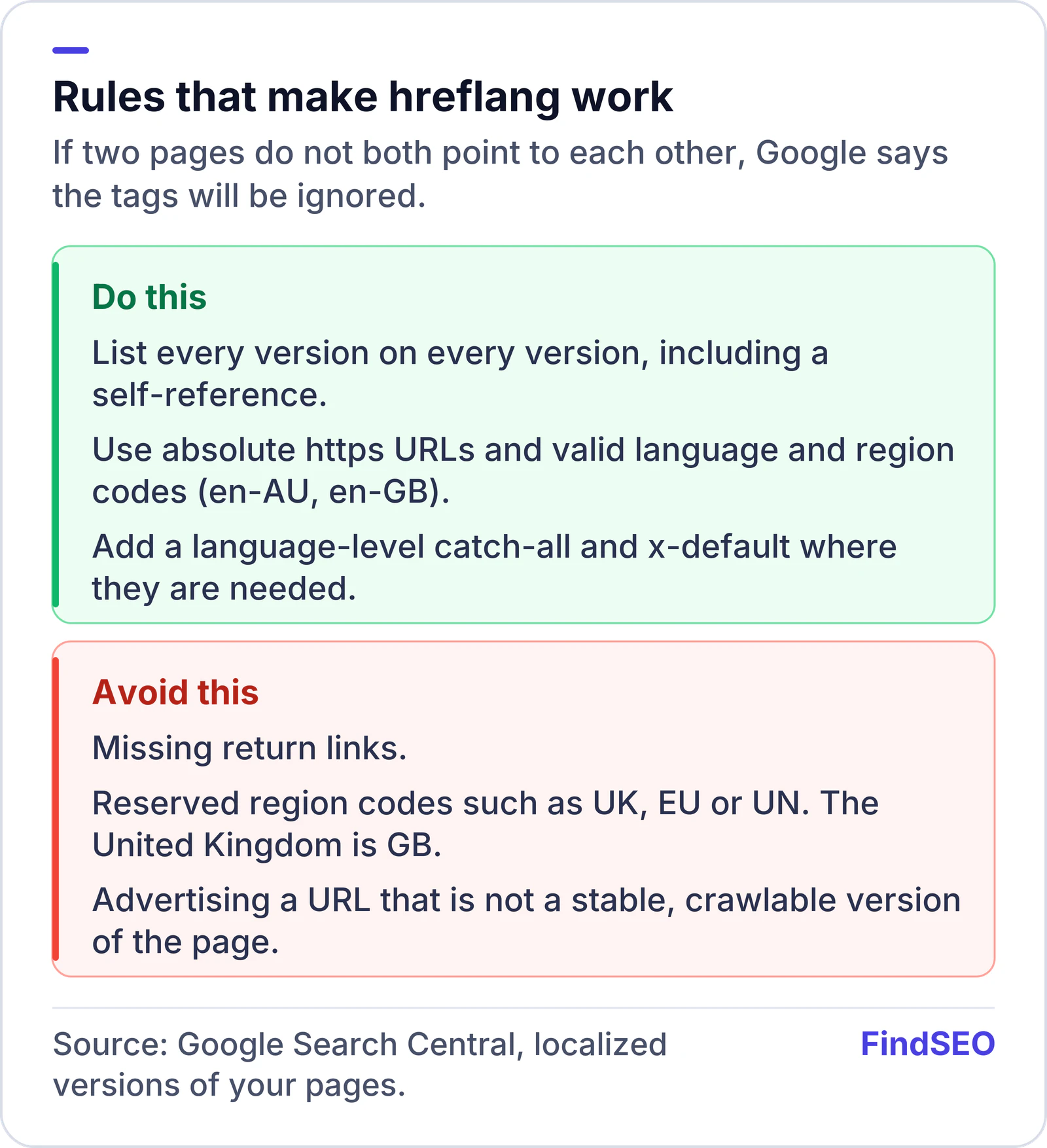
To set up hreflang tags, create one URL for each language or regional version of a page, then tell Google about every version with HTML link tags, HTTP headers, or a sitemap. Pick one method. Each version must list itself and all of the others, using absolute URLs. Use language codes from ISO 639-1 and, when you need a region, ISO 3166-1 Alpha-2 (en-AU, not en-UK). Add x-default for unmatched languages, and keep the annotations reciprocal.
hreflang does not translate pages, and it is not a canonical tag. Google's documentation on localized versions says the tags help Google point people to the most appropriate version of a page. Google still detects the language of a page with its own algorithms, not from hreflang or the HTML lang attribute.
This matters when you have genuine local versions, which is also why site structure — a ccTLD, a subdomain or a subfolder — should be decided first. Our guide to ccTLD, subdomain or subfolder covers that choice.
When do you need hreflang?
Google recommends indicating alternate pages when:
- The main content stays in one language and only the template is translated.
- You have small regional variations of the same language, such as English for Australia, the United States and the United Kingdom.
- The content is fully translated into more than one language.
You do not need hreflang for a single-language site, and you should not use it to paper over duplicate content on two URLs that are really the same page. If two URLs are copies, use a canonical instead.
Localized versions are only treated as duplicates when the main content is untranslated. Translated main content is not a duplicate problem in the sense Google describes there.
Which method should you use?
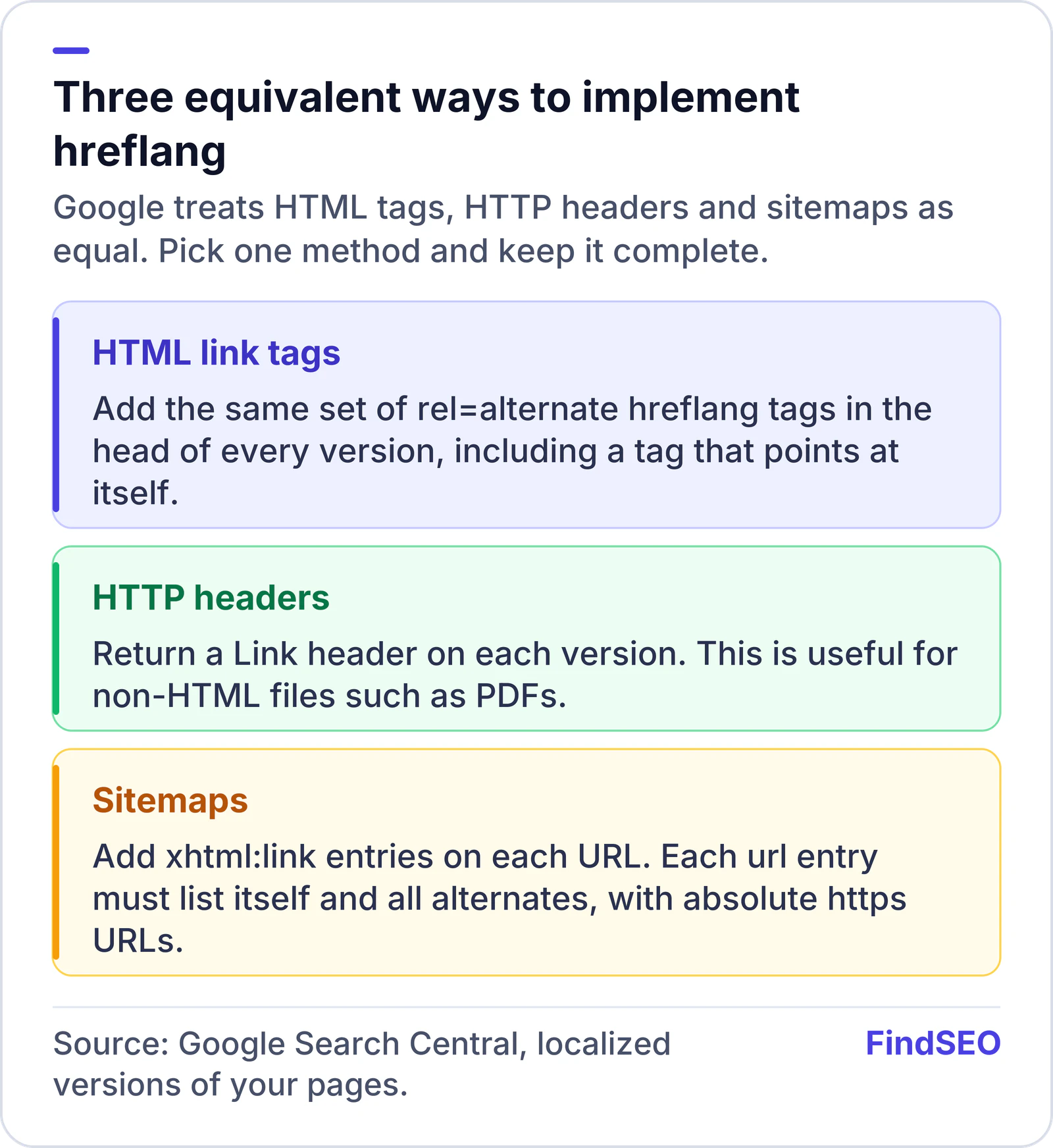
Google lists three equivalent methods. You may use more than one, but Google says there is no benefit in Search, and three implementations are harder to keep in sync. Choose the one your CMS or server can maintain.
HTML tags in the head of each version:
<link rel="alternate" hreflang="en-AU" href="https://www.example.com.au/page" />
<link rel="alternate" hreflang="en-GB" href="https://www.example.co.uk/page" />
<link rel="alternate" hreflang="en" href="https://www.example.com/page" />
<link rel="alternate" hreflang="x-default" href="https://www.example.com/page" />
Every version gets the same set of tags, including a tag that points at itself.
HTTP headers are useful for non-HTML files, such as PDFs. Return a Link header on each version with the same reciprocal set of URLs.
Sitemaps use xhtml:link entries on each URL, with the xmlns:xhtml namespace declared. Each <url> entry must list itself and all alternates. If you already submit a sitemap, this can be the least fragile method on a large site. You can also point at those sitemaps from robots.txt.