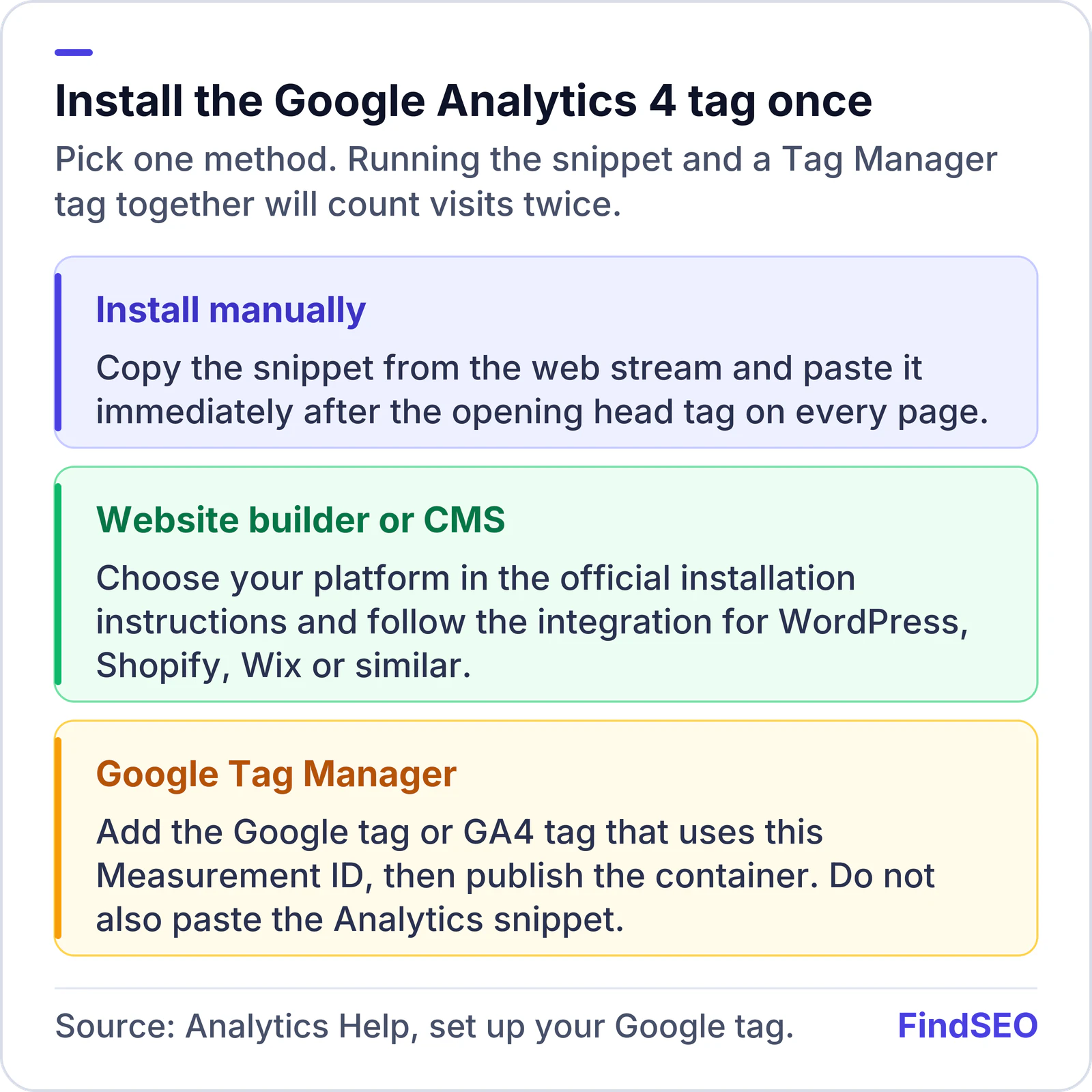
To set up Google Analytics 4, create a GA4 property, add a web data stream for your site, and install the Google tag on every page. You can paste the tag into the site head, install it through Google Tag Manager, or use your website builder's integration. Then link the property to Google Search Console so search queries sit alongside organic traffic and conversions.
Analytics is how you see what people do after they reach the site: which pages they open, where they drop off, and which channels send them. It does not replace Search Console. Search Console shows how you appear in Google Search; Analytics shows what happens on the site.
This guide follows Google's current setup documentation for a website.
How do you create a GA4 property?
You need the Editor role on a Google Analytics account to add a property. If you created the account, you already have it.
Google's setup guide and steps for adding a property describe this flow:
- Open Google Analytics and go to Admin.
- Click Create, then select Property.
- Enter a property name (your business or website name), and choose the reporting time zone and currency. For an Australian business, that is usually Australia/Melbourne or Australia/Sydney, and Australian dollars. Google says a visit is recorded in your property's time zone, not the visitor's, and that changing the time zone later only affects new data. It also says not to change the time zone more than once a day.
- Click Next, then choose your industry category and business size.
- Click Next, then select how you intend to use Analytics. Google uses this to tailor the default reports (for example, lead generation).
- Click Create. If this is a new account, accept the Analytics Terms of Service and the Data Processing Amendment.
A property can hold data streams from a website and, if you have them, iOS and Android apps.
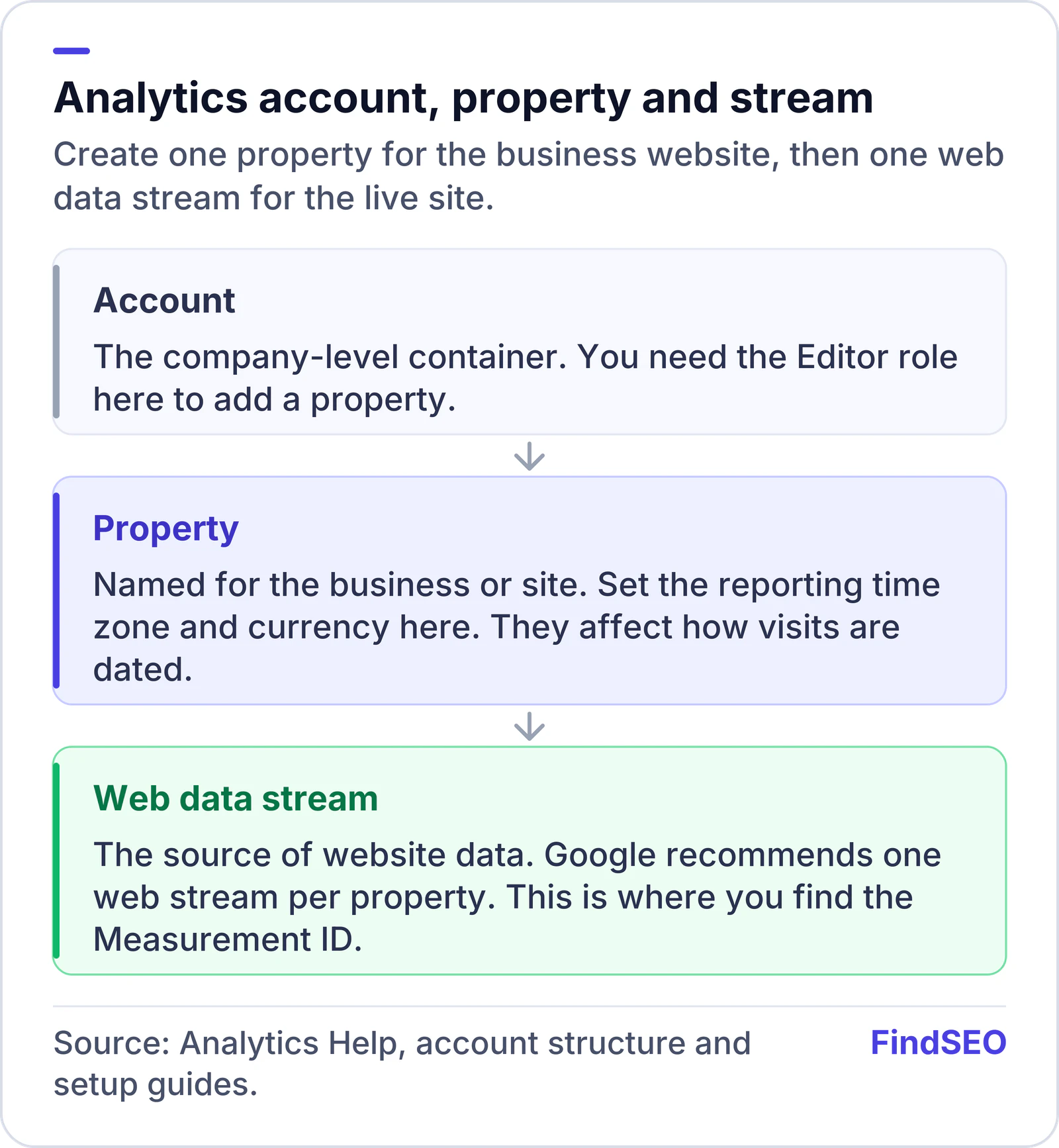
Google's account structure guidance recommends one web data stream per property, plus one app stream each for iOS and Android when you have apps.

How do you add a web data stream?
- If you are not still in the setup wizard, go to Admin, and under Data collection and modification click Data Streams, then Add stream.
- Click Web.
- Enter the URL of your primary website (for example, example.com) and a stream name such as "Example website".
- Leave Enhanced measurement on unless you have a reason to turn it off. Google says it automatically collects page views and other events, and that you can disable individual events later, so it recommends enabling it now.
- Click Create stream.
You will see a Measurement ID starting with G-. That ID is what the Google tag uses to send data to this stream.