
Google's AI Overviews pick their supporting links from pages that are already in Google's index and eligible to show a snippet. There's no special file, tag or schema that gets you in. What you can control is the same set of things that decides whether you appear in Google at all, plus how clearly your pages answer the questions people ask.
This article explains what Google has said about how AI Overviews and AI Mode work, what that means for which pages get linked, what controls you have, and how to tell whether any of it is affecting your traffic.
What are AI Overviews and AI Mode?
AI Overviews are the written summaries that appear above the normal results for some searches, with links to the pages they draw on. Google says they're designed to show up only where they add something beyond what classic results already offer, and that they often don't trigger at all.
AI Mode is a separate, conversational way to search. Someone can ask a long or complicated question, read a written answer with supporting links, and ask follow-up questions without starting again. Google describes it as most useful for exploration, reasoning and comparisons that would previously have taken several searches.
Both live inside Google Search. That matters, because it means the rules and controls are Google Search's rules and controls.

How does Google choose the supporting links?
Google hasn't published a ranking formula for AI features, but its documentation for site owners sets out the important parts.
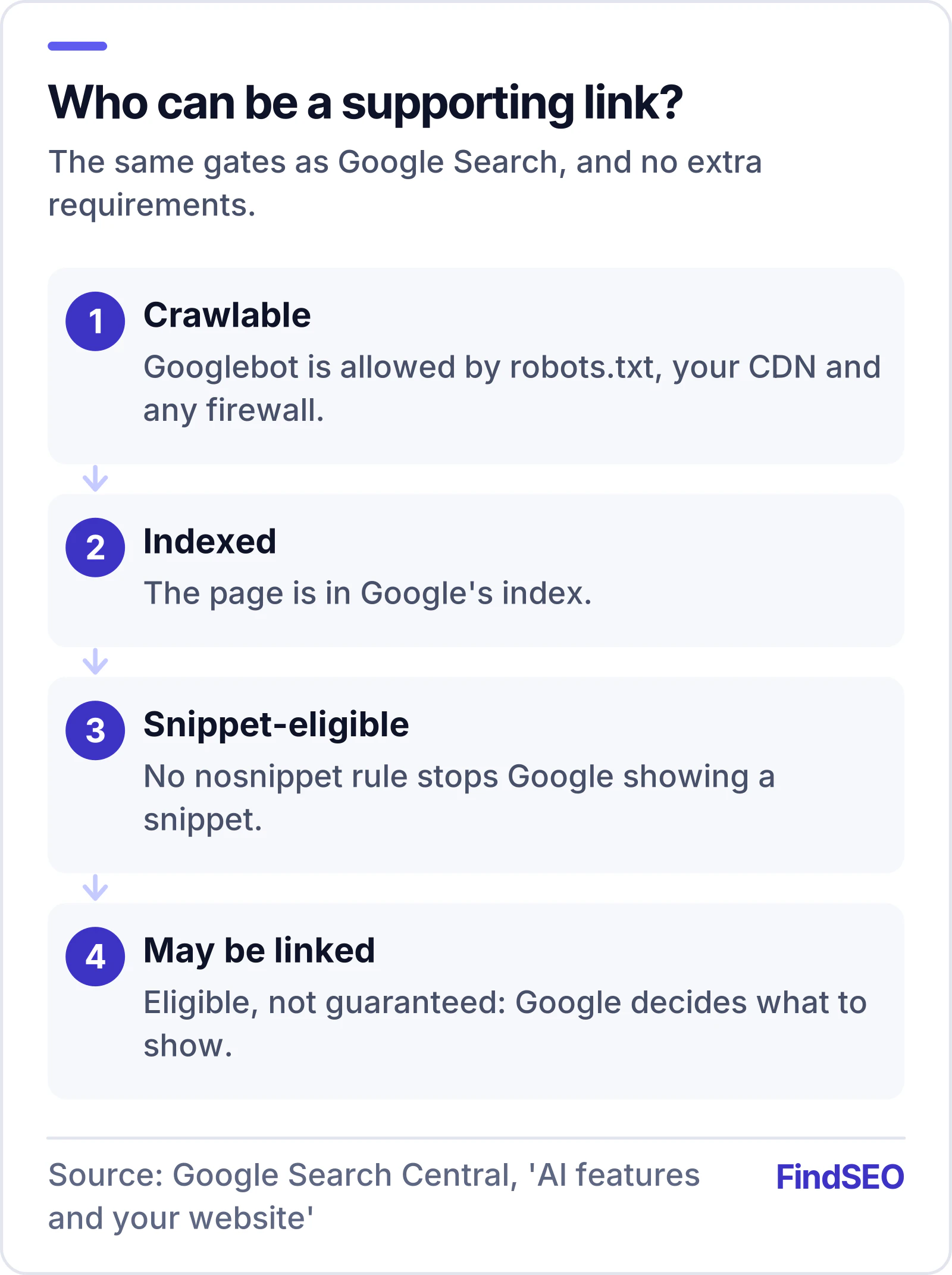
The page has to be indexed and snippet-eligible
To be shown as a supporting link in AI Overviews or AI Mode, Google says a page "must be indexed and eligible to be shown in Google Search with a snippet". There are no additional technical requirements. Meeting the requirements doesn't guarantee anything either: Google is clear that crawling, indexing and serving are never guaranteed.
So the first filter is simple. If a page isn't indexed, it can't be linked. Our free Google Index Checker shows whether anything is stopping a page from being indexed.
Query fan-out widens the net
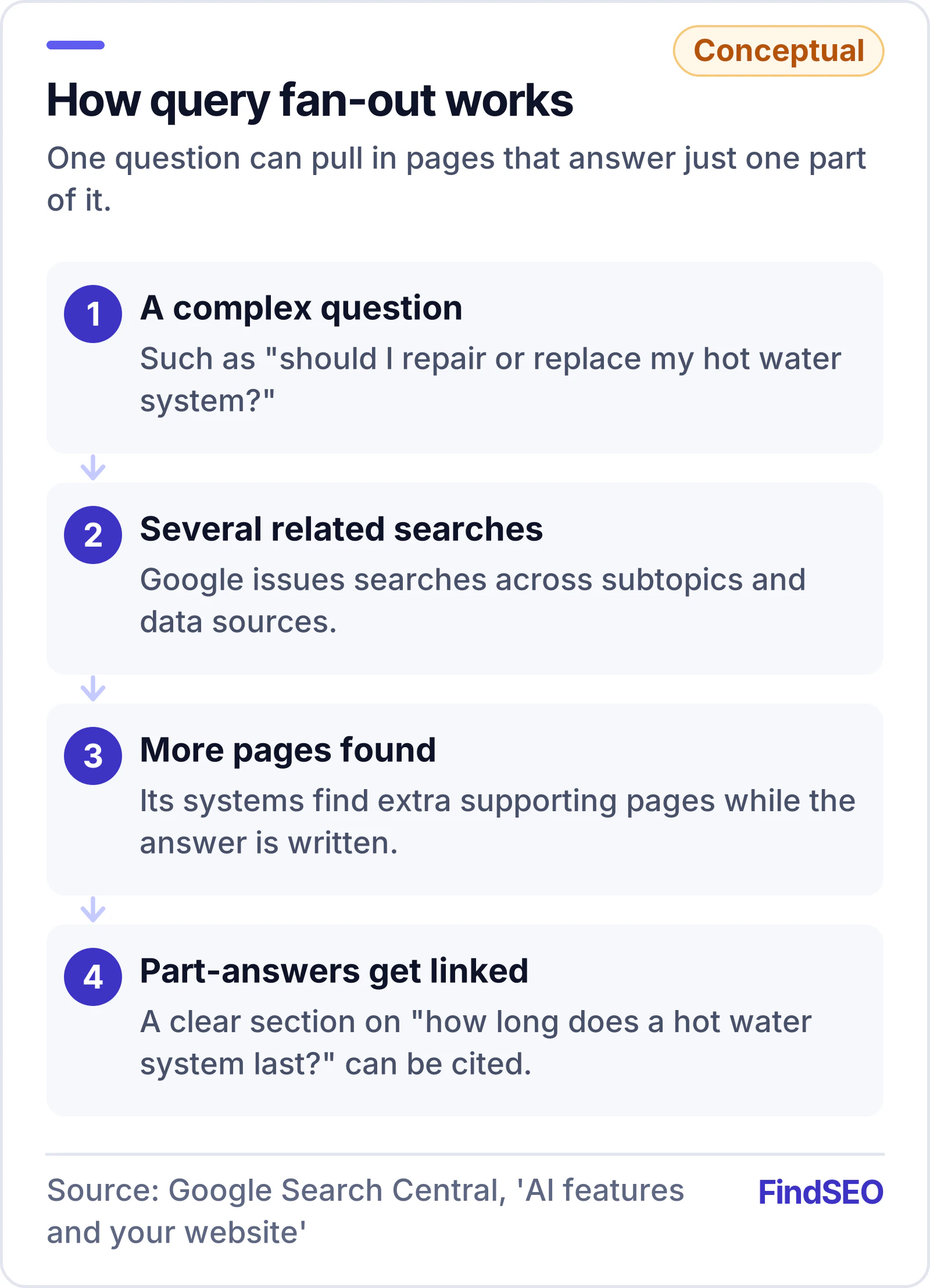
Google says both features may use a technique it calls query fan-out: issuing several related searches across subtopics and data sources to build one response. While the answer is being written, its systems find more supporting pages, which is why AI features can show a wider and more varied set of links than a classic results page.
In practice, a page can be linked for one part of a bigger question even if it would never rank for the whole question. A clear section that answers "how long does a hot water system last?" might be used in an answer to "should I repair or replace my hot water system?"
Different features, different results
Google notes that AI Mode and AI Overviews may use different models and techniques, so the answers and links they show will vary. Don't expect your page to appear in both, or to appear in the same way each time.
What makes a page more likely to be used?
Google's advice is that the existing fundamentals still apply, and it lists them. Translated into a working checklist:
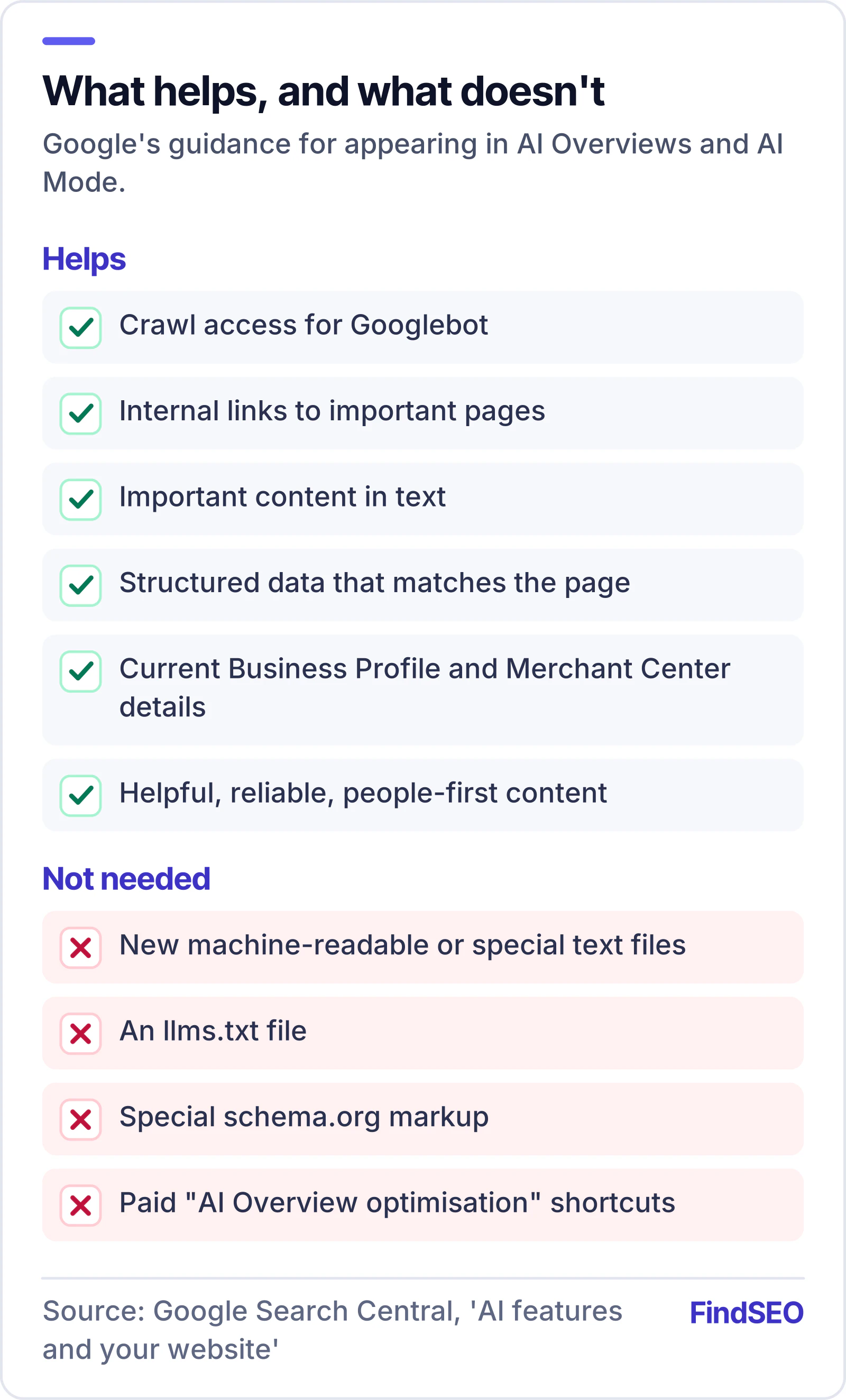
- Let Googlebot in. Crawling has to be allowed in robots.txt and by your CDN or hosting, including any firewall or bot protection.
- Make pages easy to find. Link to important pages from other pages on your site.
- Put important content in text. Information locked in images, PDFs with no text layer, or content that only appears after scripts run is harder to use.
- Support text with good images and video where they genuinely help.
- Keep structured data honest. Google says it should match the visible text on the page.
- Keep Business Profile and Merchant Center details current, because Google uses them across Search.
- Write helpful, reliable, people-first content. This is the same standard Google applies everywhere in Search, and our helpful content self-assessment guide turns it into four checks.
Two things are worth adding from experience. First, pages that answer a question directly, near the top, are easier to quote than pages that make readers scroll past a long introduction. Second, clear headings that match the questions people actually ask help both readers and any system trying to find the right passage.
Our AI-Readiness Checker looks at several of these signals on any page.
What doesn't help
Google is unusually direct here. Its documentation says you don't need to create new machine-readable files, special text files or markup to appear in these features, and that there's no special schema.org structured data you need to add.
That rules out a lot of what is being sold as "AI Overview optimisation". Adding an llms.txt file, for example, isn't something Google says it uses for Search. Structured data is still useful for other reasons, but it isn't a key to AI Overviews.
What controls do you have?
Because AI features are part of Search, the controls are the normal Search controls:
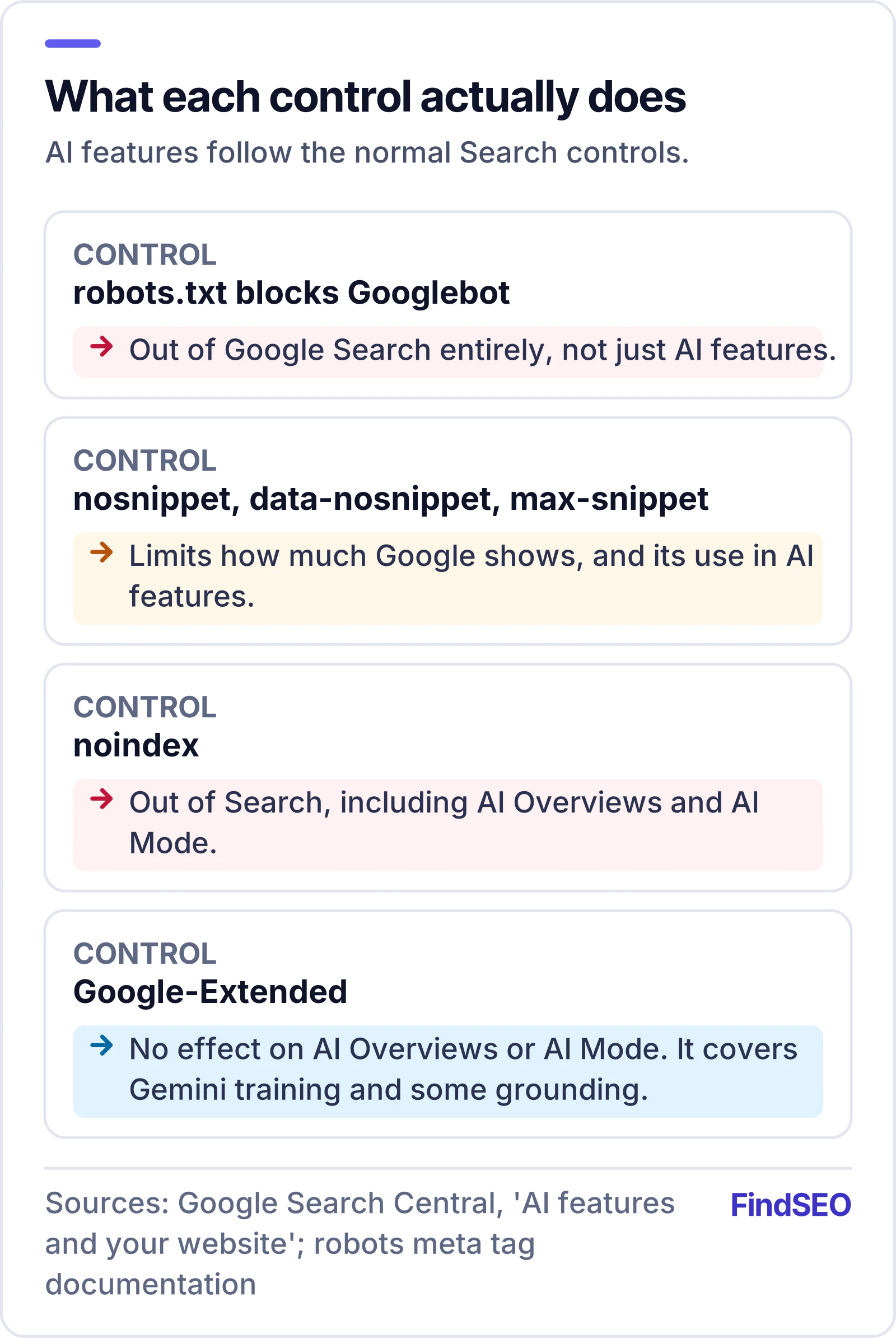
- robots.txt rules for Googlebot decide whether Google can crawl the page at all. Blocking Googlebot removes you from Search entirely, not just from AI features.
- nosnippet, data-nosnippet and max-snippet limit how much of a page Google can show, which also limits its use in AI features.
- noindex keeps a page out of Search, including AI features.
One common misunderstanding: the Google-Extended token in robots.txt doesn't control AI Overviews or AI Mode. Our guide to blocking AI crawlers explains which bot does what. Google says it governs whether content may be used to train Gemini models and to ground answers in some other Google products, and that it doesn't affect inclusion or ranking in Google Search.
If you've added a preview control and still see your content in AI features, Google suggests checking that Googlebot can actually see the control (use URL Inspection in Search Console), then allowing time for the page to be recrawled, which can take anywhere from days to months.
How do you measure the effect?
Google counts appearances in AI Overviews and AI Mode in the Performance report in Search Console, inside the normal "Web" search type. They aren't broken out separately, so there's no official AI Overviews traffic report.
What you can do:
- Watch for queries where impressions rise but clicks don't. That can be a sign that searchers are getting their answer on the page.
- Compare clicks and click-through rates for informational queries against commercial ones over the same period.
- Track what happens after the click in Google Analytics, using an AI assistants channel in GA4 for the other tools. Google says that when people click from results pages with AI Overviews, those visits tend to be higher quality, meaning people spend more time on the site.
Be careful with any report that claims precise "AI Overview traffic" from Google data. Ask where the number comes from.
What this means if you're hiring an agency
A good agency will treat AI Overviews as part of SEO rather than a separate product. See how to choose an AI SEO agency, and browse AI SEO agencies on FindSEO. Expect them to check indexing and crawl access, improve how your pages answer real questions, and set sensible expectations for informational searches where clicks may fall. Be wary of anyone promising guaranteed placement in AI Overviews, or selling special files or markup as the way in. Google's own guidance says neither exists. ChatGPT and Perplexity work differently; see how to get mentioned in ChatGPT and Perplexity. Our guide to questions to ask an SEO agency has more on testing claims like these.