llms.txt is a plain Markdown file at the root of a website that gives AI agents a short description of the site and a hand-picked list of links to its most useful pages. It takes an hour or two to create, it does no harm, and it can help AI tools that look for it. But it isn't a ranking factor, Google says it doesn't need it, and it won't fix a site that AI crawlers can't reach.
Here's what the file is, who actually reads it, how to write one, and how much effort it deserves.
What is llms.txt?
The idea was proposed by Jeremy Howard in September 2024 and revised in 2026. Web pages are built for people, wrapped in menus, scripts, cookie banners and adverts. An AI agent trying to help someone has to dig through all of that, and it has a limited amount of space to hold what it reads. llms.txt gives it a shortcut: a concise overview and a map of where the important information lives.

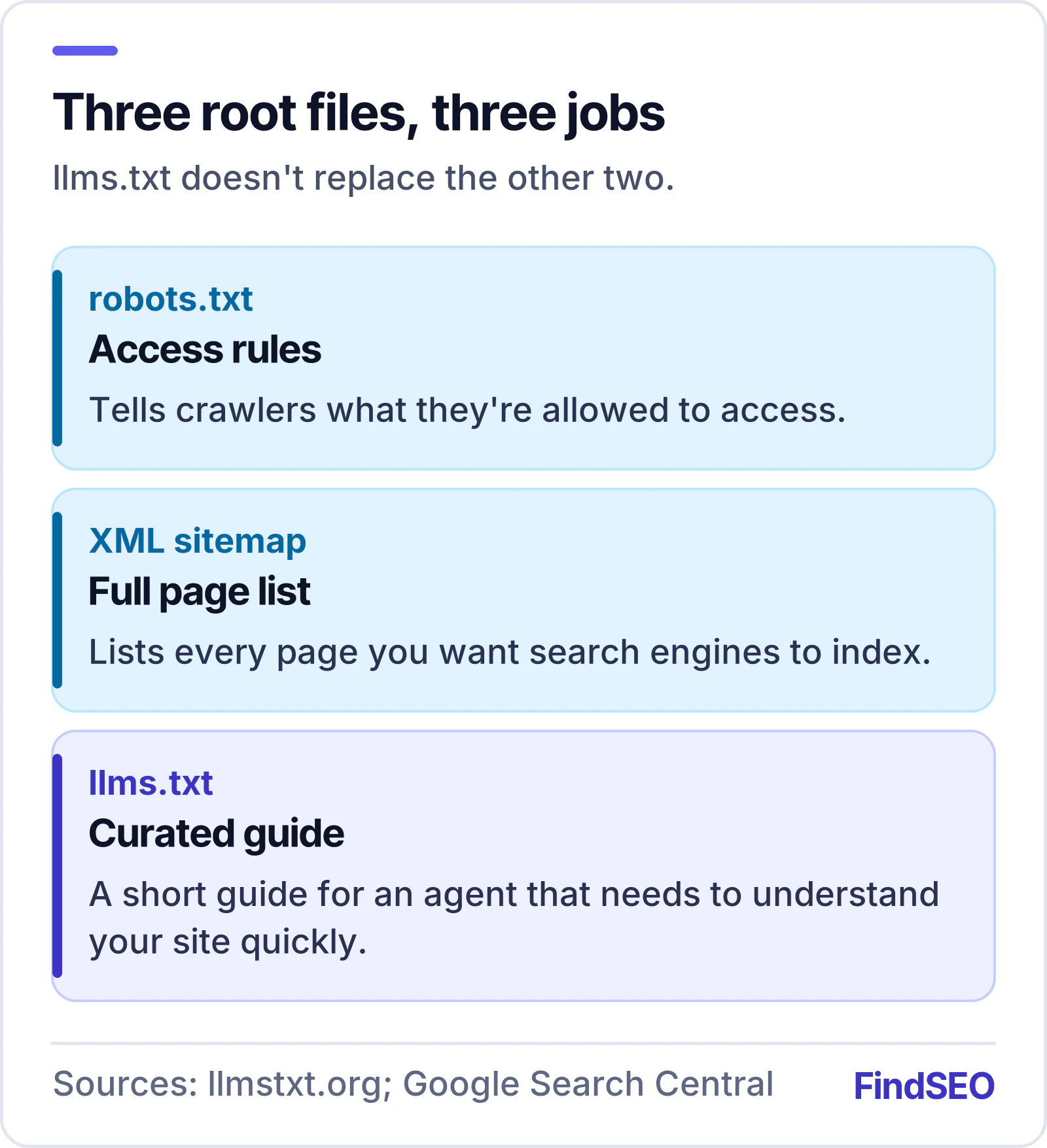
The proposal compares it to robots.txt and XML sitemaps, but it does a different job:
- robots.txt tells crawlers what they're allowed to access.
- An XML sitemap lists every page you want search engines to index.
- llms.txt is a short, curated guide for an agent that needs to understand your site quickly.
It doesn't block or allow anything, and it doesn't replace either of the other two.
Who actually reads it?
This is where expectations need managing.
According to the proposal's author, thousands of sites now publish an llms.txt, documentation platforms generate one automatically, and the major AI companies publish llms.txt files for their own developer documentation. The heaviest use is in software documentation, where coding assistants follow the file to find the right reference page. Assistants with web access can also read it when they're helping someone with a task on your site.
What it isn't, at least today, is a signal that search engines use to rank pages. Google's documentation on AI features in Search says plainly that you don't need to create new machine-readable files or special text files to appear in AI Overviews or AI Mode. None of the main AI search tools has said llms.txt decides whether a site is cited.
So think of llms.txt as a courtesy to AI agents, not a lever for search visibility.
What goes in the file?
The format is deliberately simple. In order:
- An H1 with the name of your site or business. This is the only required part.
- A blockquote summary: one or two sentences on what you do and who for.
- Optional detail: paragraphs or bullet points with anything an assistant should always get right, such as your location, service area or opening hours. No headings in this part.
- Sections under H2 headings, each a list of links in the form
- [Page name](URL): short note. - An optional section called "Optional" for links an agent can skip when it needs a shorter overview, such as policies.
A small local business might end up with something like this:
# Example Plumbing

> Licensed plumbers serving Melbourne's eastern suburbs since 2009. Emergency call-outs 24/7.

We cover Box Hill, Doncaster, Ringwood and surrounding suburbs. Call-out fee $99, quoted before work starts.

## Services

- [Blocked drains](https://example.com/blocked-drains/): Same-day clearing and CCTV inspection
- [Hot water](https://example.com/hot-water/): Repairs and replacement, gas and electric

## About

- [About us](https://example.com/about/): Licences, insurance and team
- [Contact](https://example.com/contact/): Phone, email and service area

## Optional

- [Privacy policy](https://example.com/privacy/)
The proposal also suggests offering clean Markdown versions of important pages (for example the same URL with .md on the end) and linking to those from llms.txt. That's worth doing for documentation-heavy sites. For most small business sites, linking to the normal pages is fine.
How to write a good one
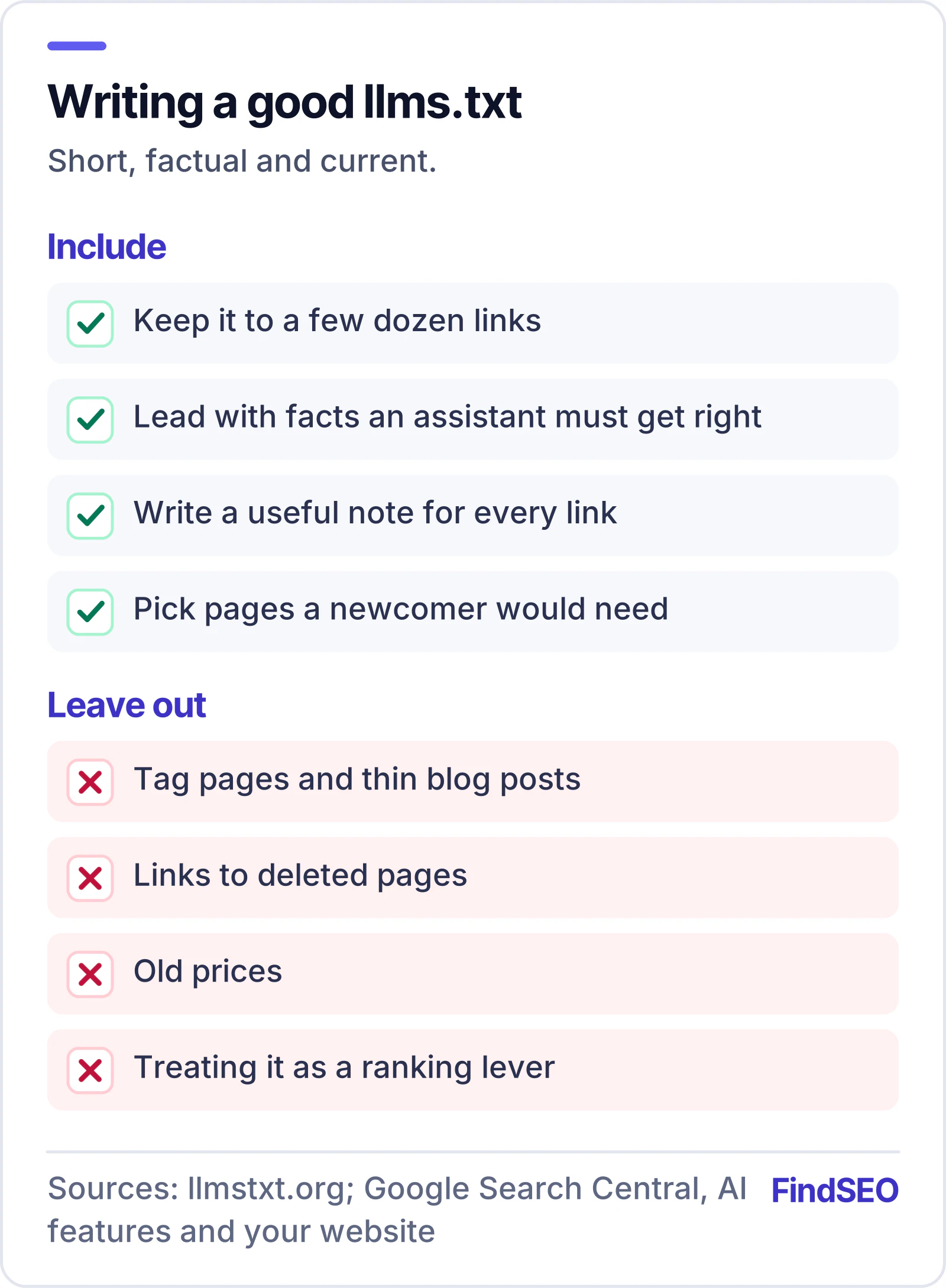
- Keep it short. The point is to fit easily in an agent's working memory. A few dozen links is plenty for most businesses.
- Lead with facts. The summary and detail lines are where you state what an assistant should never get wrong.
- Write useful notes. "Blocked drains: same-day clearing and CCTV inspection" tells an agent far more than the page title alone.
- Choose pages for a newcomer. Your main services, pricing, about and contact pages, and your most useful guides. Skip tag pages, thin blog posts and anything out of date.
- Keep it current. An llms.txt that links to deleted pages or old prices is worse than none.
You can check an existing file, or get a starting draft built from your sitemap, with our free llms.txt Generator and Validator. Many website builders and WordPress SEO plugins can also generate and maintain the file for you.
Where to put it
Save the file as llms.txt at the root of your domain so it loads at https://yourdomain.com/llms.txt, served as plain text. If you only control part of a site, the proposal allows a file at a subpath (such as /docs/llms.txt) covering the pages beneath it.
Should you bother?
For most businesses, the honest answer is: yes, if it's quick, and only after the basics are done.
The things that decide whether AI tools find and cite you are the same things that matter for search: AI search crawlers allowed in robots.txt, content readable without JavaScript, clear pages that answer real questions, consistent facts across the web, and a good reputation. If those aren't in place, an llms.txt file won't make up for it. Check crawler access first with the AI Crawler Access Checker.
What this means if you're hiring an agency
Adding llms.txt is a sensible small task on an AI search checklist. If an agency makes it the centrepiece of an AI SEO proposal, or claims it will get you into Google's AI Overviews or ChatGPT answers, ask for evidence. Google's own guidance says AI text files aren't needed for its AI features, and no one can promise citations. The AI SEO glossary entry for llms.txt has a quick summary to share with your team.