
Search engines and AI assistants don't just match words any more. They try to work out which real-world thing (a business, person, place or product) a page is about, and what is true about it. Helping them do that comes down to three things: describing your business the same way everywhere, adding accurate structured data that names who you are, and linking your official profiles together so there's no doubt they're all you.
This article explains what entities are, why they matter more as AI answers spread, and the practical steps to make your business easy to identify.
What is an entity?
In search, an entity is a distinct, well-defined thing that can be recognised and connected to facts. "Mercury" could be a planet, a chemical element, a car brand or a plumbing business in Geelong. Each is a different entity. The words are the same; the meaning depends on context.

Google introduced its Knowledge Graph in 2012 to store entities and the relationships between them. It's what powers the knowledge panels you see for well-known businesses, people and places. AI assistants face the same challenge on a bigger scale: when someone asks about your business, the assistant has to be confident it's talking about you and not someone with a similar name.
Why it matters more for AI answers
A traditional results page shows ten links and lets the searcher work out which one is right. An AI answer is different: it writes a single response in its own words. If the facts about your business are inconsistent or ambiguous, the answer may:
- mix you up with another business that has a similar name;
- repeat an old address, phone number or price from an outdated listing;
- leave you out entirely because it can't be confident you're relevant.
The clearer and more consistent your information is across the web, the less room there is for those mistakes.
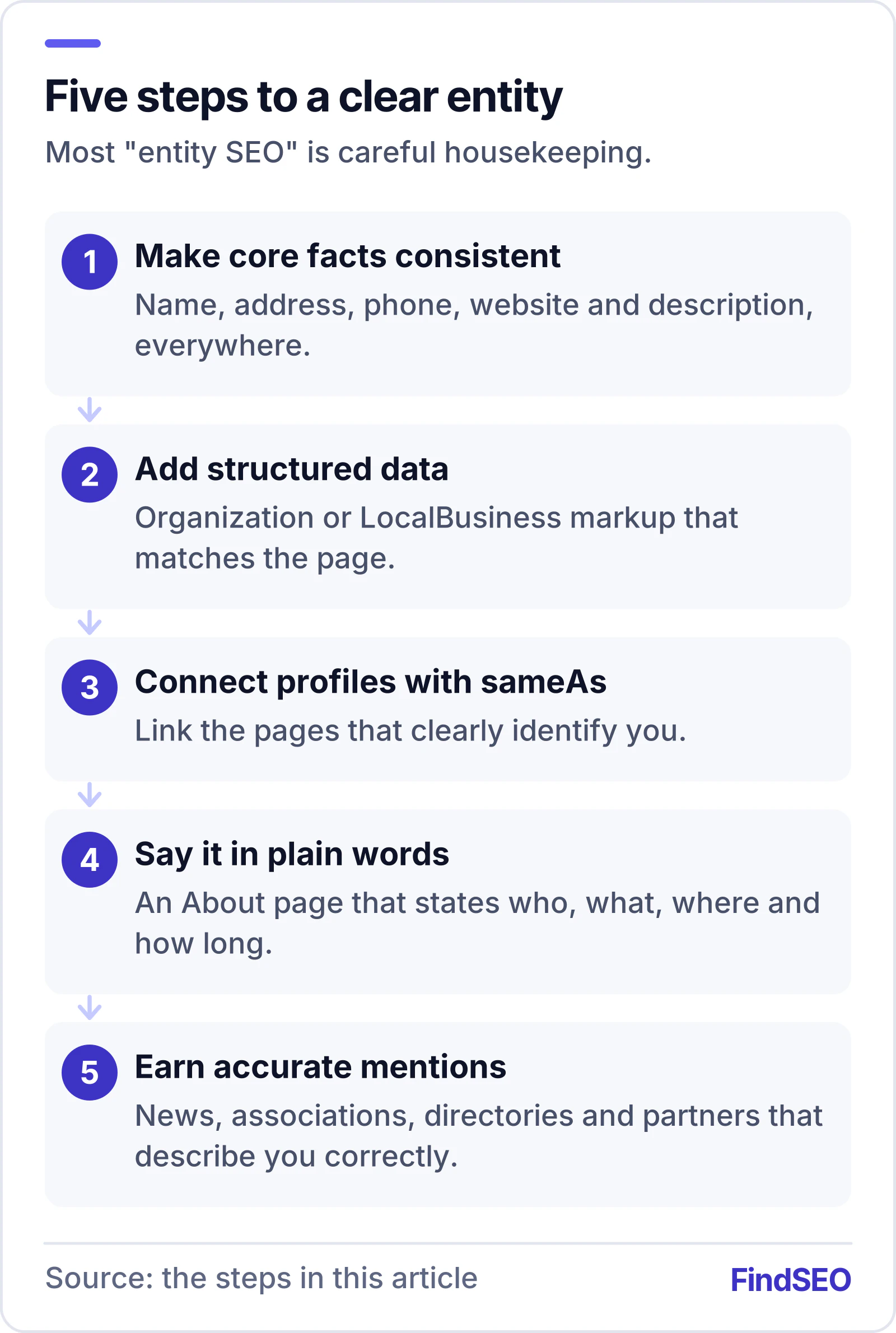
Step 1: make your core facts consistent
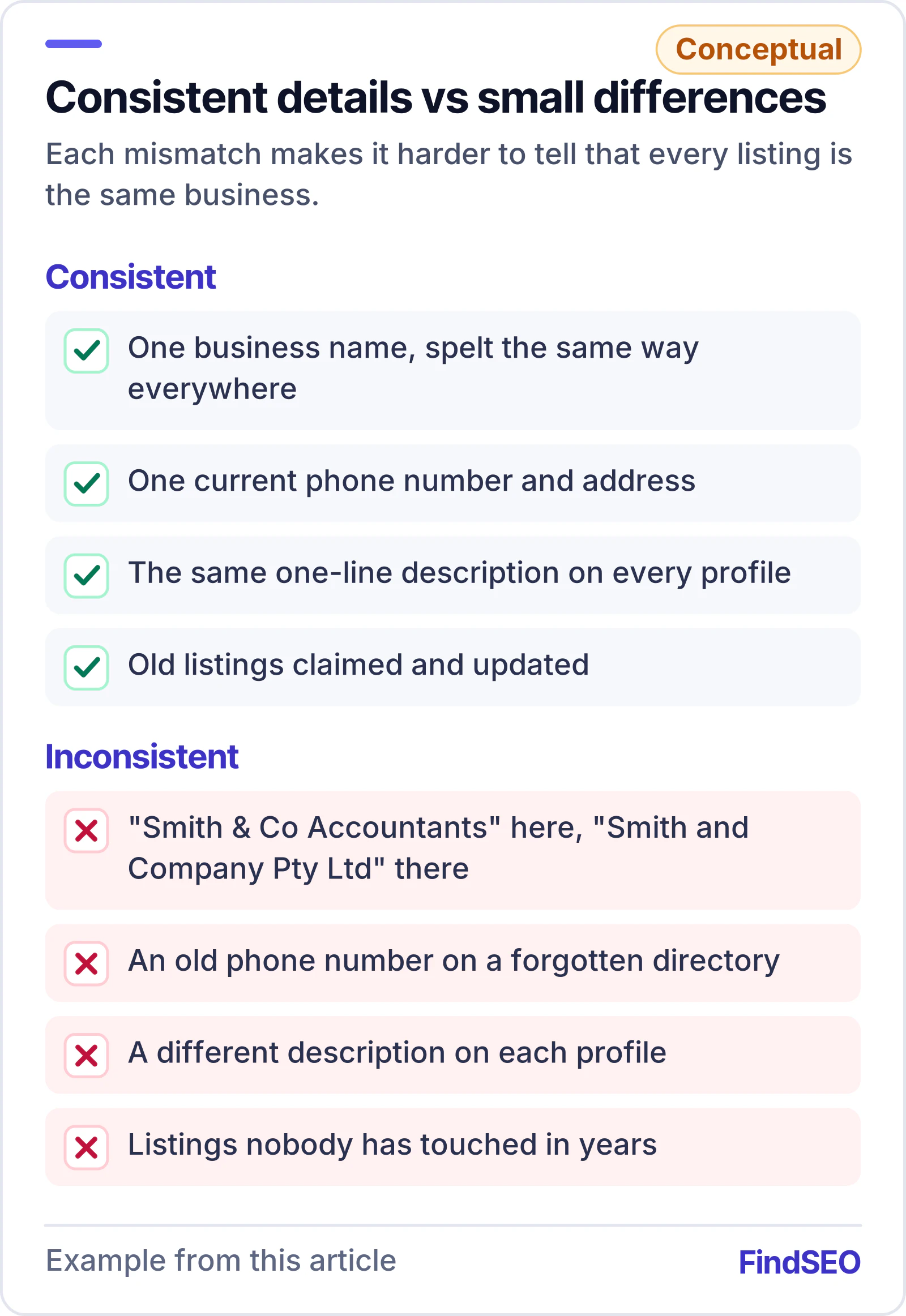
Before touching any code, audit the basics. Your business name, address, phone number, website and a one-line description of what you do should be identical on:
- your own website, especially the homepage, About and Contact pages;
- your Google Business Profile;
- Bing Places and Apple Business Connect;
- the main directories and review sites in your industry;
- your social media profiles.
Small differences add up: "Smith & Co Accountants" in one place, "Smith and Company Pty Ltd" in another, an old phone number on a directory you forgot about. Fix the ones you can, and claim and update the listings you haven't touched in years.
Step 2: add Organization or LocalBusiness structured data
Structured data is code (usually JSON-LD) that describes a page's content in a standard vocabulary from schema.org. For entities, the most useful types are Organization for most businesses and LocalBusiness, or one of its more specific subtypes, for businesses with a physical location customers visit.
Google's documentation on organisation markup recommends including properties such as your official name, URL, logo, contact details, address and sameAs links where they apply. A simple example for a local business:
{
  "@context": "https://schema.org",
  "@type": "LocalBusiness",
  "name": "Example Plumbing",
  "url": "https://www.example.com/",
  "logo": "https://www.example.com/logo.png",
  "telephone": "+61 3 9000 0000",
  "address": {
    "@type": "PostalAddress",
    "streetAddress": "1 Example Street",
    "addressLocality": "Box Hill",
    "addressRegion": "VIC",
    "postalCode": "3128",
    "addressCountry": "AU"
  },
  "sameAs": [
    "https://www.facebook.com/exampleplumbing",
    "https://www.linkedin.com/company/example-plumbing"
  ]
}
A few rules that matter:
- Mark up what's visible. Google says structured data should match the content people can see on the page.
- Use it site-wide, once. Organization markup usually lives on the homepage or in the site template, not repeated with different details on every page.
- Validate it. Use Google's Rich Results Test or the Schema Markup Validator to catch errors, or build the markup with our Schema Generator.
Be realistic about what it does. Google's guidance on AI features says there's no special schema you need to add to appear in AI Overviews or AI Mode. Structured data helps systems understand and connect facts about you; it isn't a switch that turns on AI mentions. Our guide to how AI Overviews choose sources explains what does matter.
Step 3: connect your profiles with sameAs
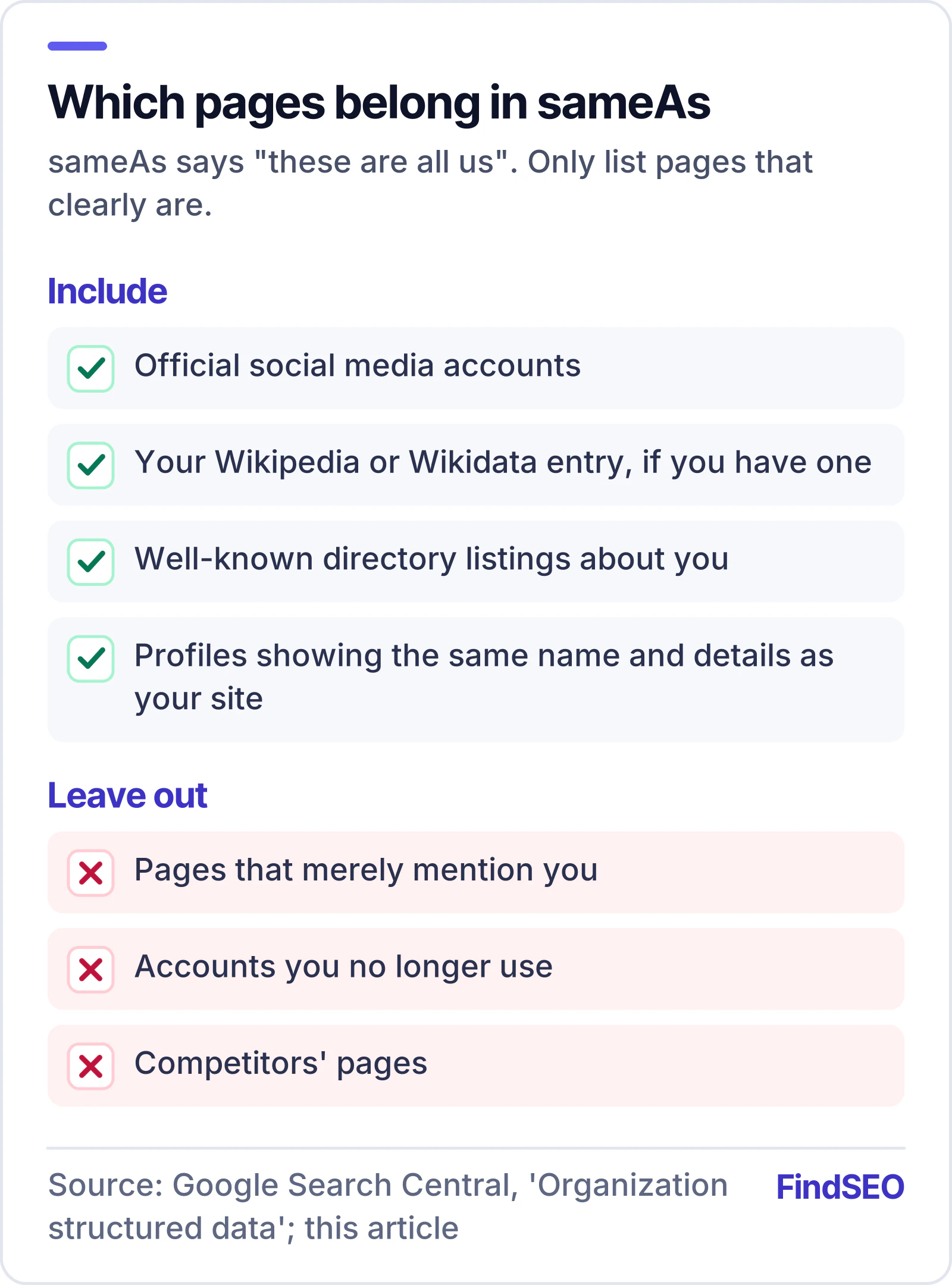
The sameAs property lists other pages that clearly identify the same entity: your official social media accounts, your Wikipedia or Wikidata entry if you have one, and well-known directory listings. It's a simple way of saying "these are all us".
Good sameAs links point to profiles you own or that are unmistakably about you, and each one should show the same name and details as your site. Don't list pages that merely mention you, accounts you no longer use, or competitors' pages.
Step 4: say it in plain words on your own site
Markup supports your content; it doesn't replace it. Make sure your About page states, in normal sentences, who you are, what you do, where you work, how long you've been operating and who runs the business. Name the people behind your content on articles and guides, with short author bios; it's part of showing E-E-A-T. AI tools read text first.
Step 5: earn accurate mentions elsewhere
Entities are confirmed by what other sources say. Mentions in local news, trade associations, industry directories, review sites and partner websites all reinforce who you are, as long as they describe you accurately. When you find an incorrect listing, fix it at the source.
How to check your progress
- Search for your business name and see whether a knowledge panel appears and whether its details are right.
- Ask AI assistants what they know about your business, and note any errors and where they might have come from.
- Run your key pages through our AI-Readiness Checker, which reports whether Organization or LocalBusiness markup and sameAs links are present.
What this means if you're hiring an agency
"Entity SEO" is sometimes presented as something technical and mysterious. Most of it is careful housekeeping: fixing inconsistent listings, writing a clear About page, adding accurate structured data and keeping profiles linked and current. Ask an agency to show you the inconsistencies they found and how they'll fix them, and check that any markup they add is validated and matches what's on the page. Our glossary entries on entities and sameAs explain the terms in more detail, and you can browse AI SEO agencies on FindSEO.