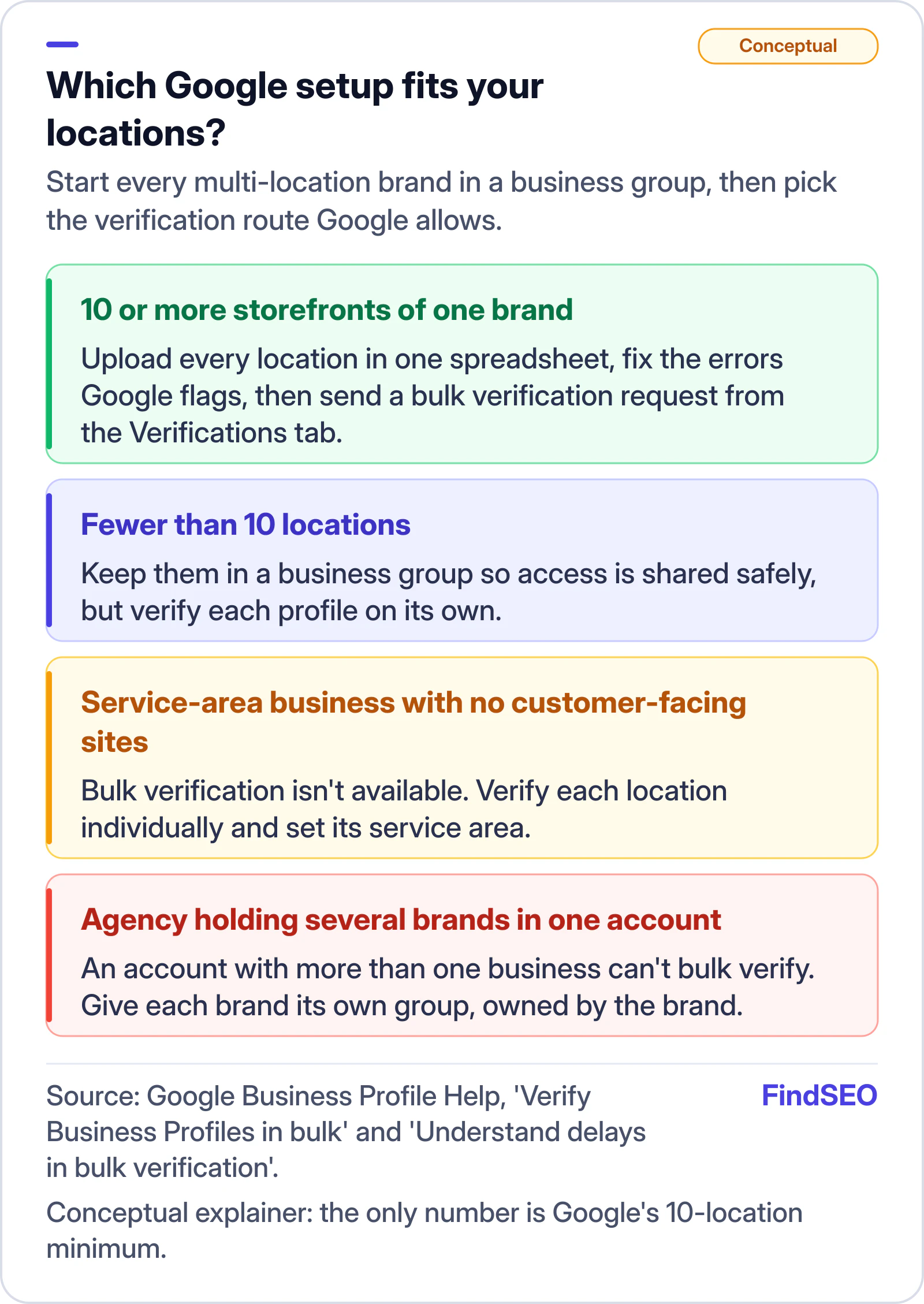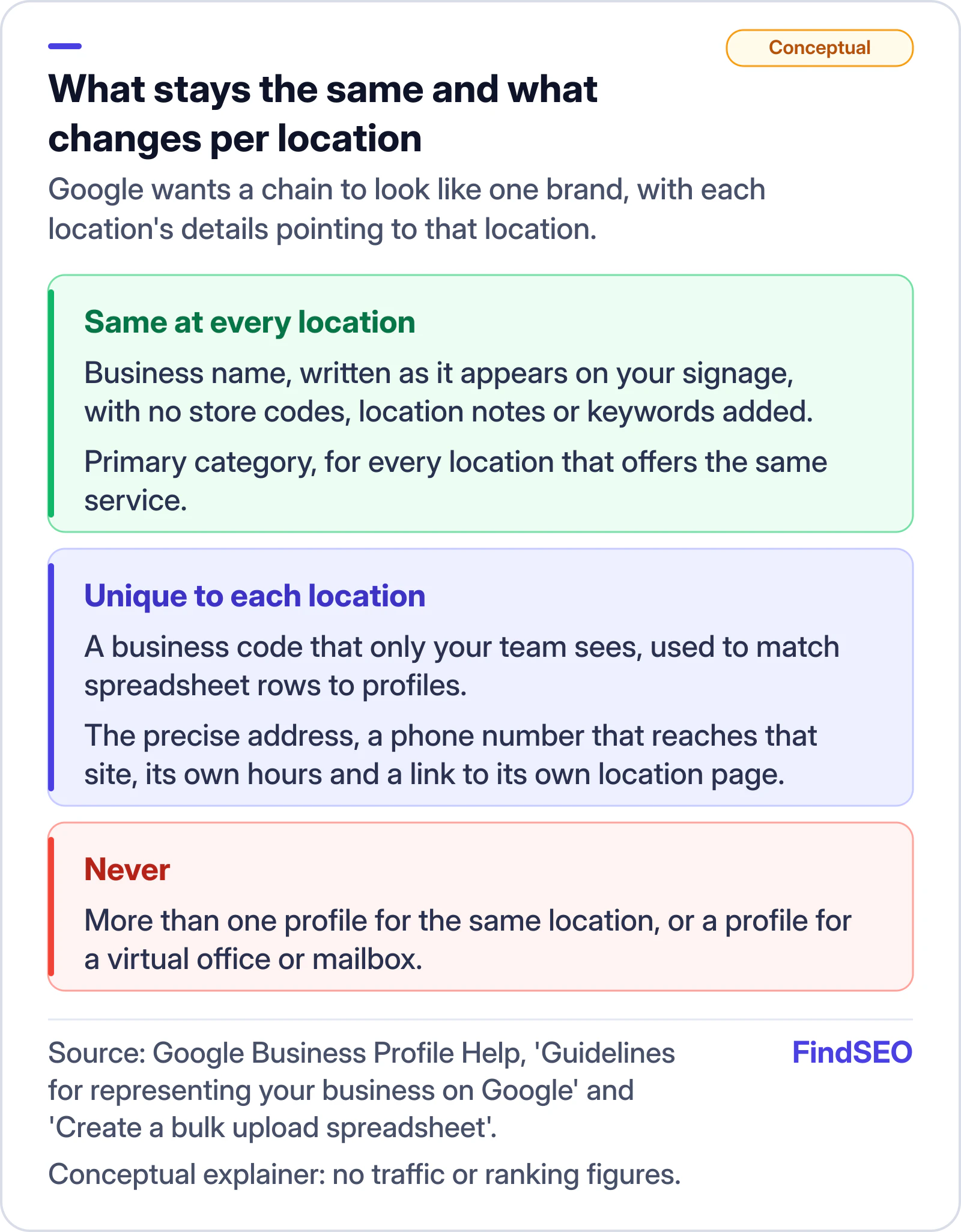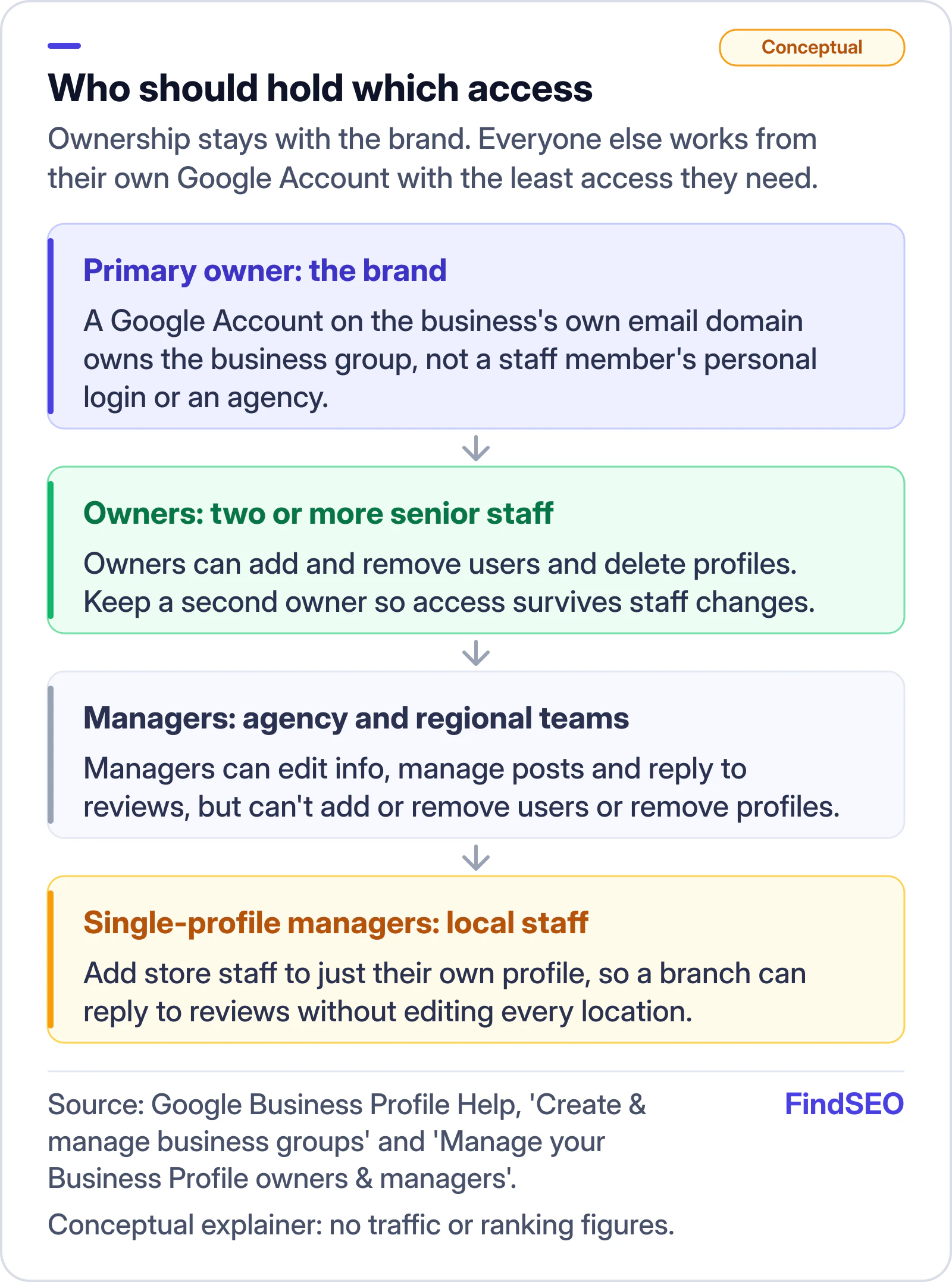
To manage Google Business Profiles for multiple locations, put every location into a business group owned by the brand, give each real location exactly one profile, keep the business name and primary category the same across the chain, and give every profile its own address, local phone number, hours and location page. If you have 10 or more storefronts of the same business, Google lets you upload them in one spreadsheet and verify the profiles in bulk. Below that, or for service-area businesses without customer-facing sites, you verify each profile on its own.
This guide is for franchise groups, multi-site clinics, retailers and the agencies that look after them. It builds on our guides to how Google ranks local results and location pages for local SEO.
How many Business Profiles can a business have?
One per real location. Google's guidelines for representing your business say there should be only one profile per business location, and that you shouldn't create more than one page for a location, whether in one account or several. A location qualifies when customers can visit it during stated hours, or when staff travel out from it to serve customers. A rented mailbox or virtual office doesn't qualify, and a co-working desk only qualifies with permanent signage, staff on site and customers received during business hours.
There are a few cases where one address can carry more than one profile. Publicly facing departments with their own entrance and category, such as a service centre inside a car dealership, can have their own Google Business Profile. So can individual practitioners, like doctors or lawyers, who deal with the public directly. Duplicates are the usual problem in chains: an old profile created by a franchisee, a second one made by a previous agency, or one left behind after a move. Google warns that more than one profile for a business can cause problems with how its information shows on Maps and Search, so merge or remove duplicates before you scale anything else.

Should you use a business group or your own Google Account?
Use a business group. Google's help page on creating and managing business groups describes a group as a shared folder for profiles and recommends that anyone new to Business Profile who manages several businesses create one first, then add and verify the profiles inside it. A profile held in one person's Google Account can only be reached by that person, which is why passwords end up shared and why access disappears when someone leaves.
Groups are a structure decision, not just a filing one. Anyone you add as an owner or manager at group level can reach every current and future profile in that group. One group per brand gives you one dashboard and one spreadsheet. Several groups, for example one per brand or division, keep teams out of locations they shouldn't edit, but each needs its own spreadsheet import. Google also says a business group can't act as a manager of other groups.